How to Create a Food Ordering App
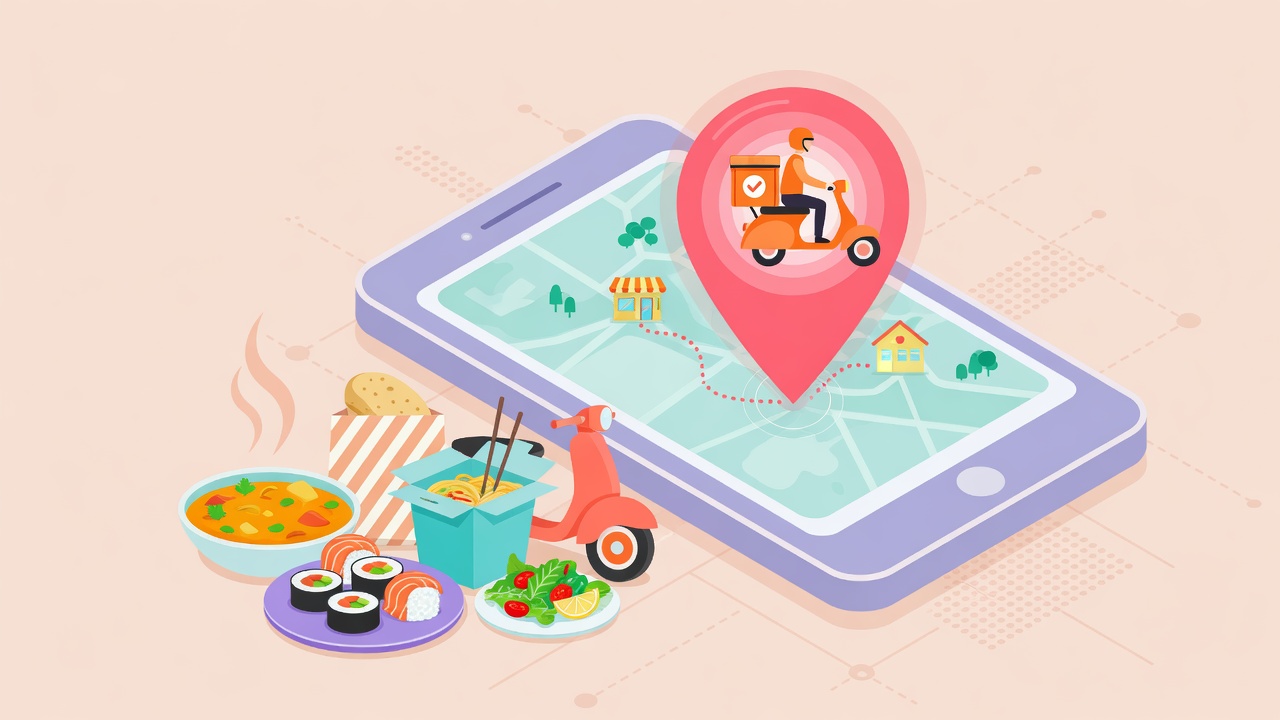
Considering building a restaurant-related application? Food tech is a great market to build a business in - it is expected to grow over $250.43 billion by 2022 according to Research And Markets. Also, you might have noticed the growth of services like Uber Eats, Yelp, Zomato, and other apps to order food.
But what does it take to create an onine food ordering app? How much it costs, which tech stack to use, how to monetize it? We've got the answer, and we are happy to help you with development. Over the years, we were able to make successful food tech apps that are still growing and making users happy.
4. Cart and Checkout process
This is a part that is similar amongst all the food order apps. We need to allow the user to view his cart, edit his order, and send a request to the restaurant or your admin panel. Even though this section is similar in most applications, it is an excellent place to add some exciting features, to make your app stand out!
On average, cart and checkout process has around three screens.
The cart will show dishes that user would like to order. It is a simple list with dishes name, quantity, and prices. A user should be able to edit an order slightly: changing amount, removing products, leaving a note to a restaurant or courier.
Payment Type screen will ask the user about the payment info. Usually, this step allows adding a new Payment method, select from existing, or pay with cash on delivery. On this step, we will also need to think about payment gateways that will be used. Different countries have different payment types available. The best solution is Stripe, and we try to implement it in every application possible. However it is not available in every country, and we might think about alternatives: Braintree, PayPal, local payment options, and more.
The Checkout Screen will confirm all the details, such as order, address, payment type, will try to make a payment, and will send the request to admin panel if successful.
On average, this section can take around 7-10 days for development and prices start from $2,000
5. Order tracking
Depending on your delivery model, an app for ordering food might also need an order tracking feature. Did restaurant receive the order? Is your pizza ready? Where is it right now?
Order tracking usually has only two screens, but they are fun to use! First one is just info about the order and its status: whether it has been approved, whether it is ready, or delivered. It can also include phone numbers so the user can call support to make sure everything is fine, or ask for some changes in the order.
This screen does not have anything complicated, so we will need just a couple of days to develop it. Order Info will need to sync the data between the admin panel, where admin can change order status, and other details. Price for this screen can be around $560.
The second screen is usually a map that will show where user's pizza currently is. Just like in Uber, we can develop a mobile food ordering app that will display a map with a delivery person's location on it, with estimated arrival time.
Order tracking on a map will be much more difficult and will take at least a week of development, with prices starting from $1,400
The delivery person will also need an app that will always track his location and will sync it with the server. Depending on application, complexity will vary a lot. But if only need to allow them to log in, and track their location for each particular order, prices can be as low as $3,000.
6. Admin Panel
You will need to follow all new orders, update them if needed, view transactions and contact information, and more. It is essential to think of all the data you would like to track before starting an admin panel because it can affect estimations and timeframes.
Average admin panel for restaurant ordering application has next sections:
- Login: we want to protect the admin panel from other people;
- List of users, and their details: this can be very helpful to learn more about your audience, marketing, and communication with existing users;
- List of orders and their details. The central part of the admin panel. It will be used to track new orders, view their info, update status, and find ways to contact the user if needed;
- List of delivery people. This section will allow adding new delivery people. If you have an application for them, that will help tracking order location. This will be a section where you will create new accounts, deactivate old one, and check stats about each of them.
- Menu. Whether you need an order food online app for your restaurant, or you will connect lots of them - we still need to provide a way to edit the menu, prices, dish descriptions, and more;
- Restaurants list and details. If you decided to make an app that will allow ordering meals from different restaurants, you would need a control panel to manage current restaurants and their info.
- List of transactions, stats: to display how well your business is doing.
Average admin panel might need at least four weeks of work, and prices can start from $4,000.
If you are curious what it takes to develop some custom app sections and features - just let us know!
3. Tech Stack

Restaurant ordering application have to sell. The better the user interface and user experience will be - the more chances the user will finish his order. We can't afford to make a food ordering app with poor UX. If the user gets frustrated, don't understand how to pay, he closes the app and switches to a competitor.
Because of it, we always suggest going with native iOS or Android application. Hybrid approach won't allow you to use all the native elements and features available, and you will have to mimic everything with HTML and CSS. It will make UI clunky and will lower the performance.
Back-end technology can differ a lot. It will not affect user's experience a lot so that we can use almost anything from Ruby on Rails to Node.js, or any other tool.
4. Business Model
How can apps that deliver food earn money to its owners? Without a proper and working business model, it will be difficult to make a competitor to Uber Eats or Zomato.
The business model will depend a lot on the application type. If you are making iOS or Android application for your restaurant - you might not even need to add any extra fee. The mobile app for restaurant ordering will already help you find new customers, and your app will be better than competitors because of a lower delivery price.
If the app includes all the restaurants in the city - you might need to think about new ideas. For example - add a small fee to the order price to cover your expenses and make a profit. You can talk to restaurants from your platform. They can be interested in more customers and can pay for new orders from your app as well.
We worked on lots of projects, and worked with almost every buiness model possible, from in-app purchases, to subscriptions. Need help? Contact us!

5. Development Team
If you are ready to start development, you might have a question about team size. How many people do you need? Whom do you need?
On average, online food ordering app needs the next engineers:
- UI/UX engineer to make the best possible iOS or Android app design;
- Web Developer to work on admin panel and API server;
- iOS Developer to develop the best application possible. Apps can be built for iPhone, iPads, and Apple Watch;
- Android Developer will help with Android app development;
- Quality Assurance engineer will help to test the application. His main task is to make sure app works great, does not have any bugs or issues.
Of course, this is just a basic team of engineers. Project Manager is also a significant person. He helps to make sure everything goes according to the plan. If you would like to speed up the process, we could add an Admin Panel developer and more mobile developers.
6. Summary
In this article we tried to describe what it takes to develop a meal ordering app. Of course, it is difficult to cover everything in one blog post, so you are welcome to send all the questions to mail@mova.io - we will be glad to answer all of them!
Let's now try to summarize everything, and figure out the app development cost for food ordering apps for iOS and Android as well as the admin panel:
| Feature | Hours | Costs |
|---|---|---|
| Registration and login | 40 | $1,400 |
| Cuisine and Restaurant selection | 80 | $2,800 |
| Search and Filter | 26 | $900 |
| Cart and Checkout process | 58 | $2,000 |
| Order tracking | 56 | $1,960 |
| Delivery Person App | 86 | $3,000 |
| Admin Panel | 116 | $4,000 |
| Total | 462 hours or 16 weeks | $16,060 |
If you are ready to build your own ordering food online app, our experienced mobile and web developers are always ready to help, just write to us at mail@mova.io